| ||||||
|
I’m excited to share a set of mobile apps I’ve recently completed and published on both the Google Play Store and the Apple App Store. These apps are designed with a simple goal in mind: to make meaningful, structured content more accessible, whether you’re studying theology or improving your English vocabulary. 📱 Now Available on Both Platforms All apps are live and available for download: Google Play Developer Page: https://play.google.com/store/apps/dev?id=5835943159853189043 Apple App Store Developer Page: https://apps.apple.com/ca/developer/q-z-l-corp/id1888794100 📖 Theology & Confession Study Apps For those interested in Reformed theology and classical Christian teachings, I’ve developed a series of apps that present foundational texts in a clean, focused reading format: The Belgic Confession Canons of Dort Heidelberg Catechism Westminster Shorter Catechism Each app is designed to provide a distraction-free experience, making it easier to read, reflect, and revisit these im...
How to Set up Mailgun configuration to email newsletters for your Ghost blog
- Get link
- X
- Other Apps
By
Errong Leng
-
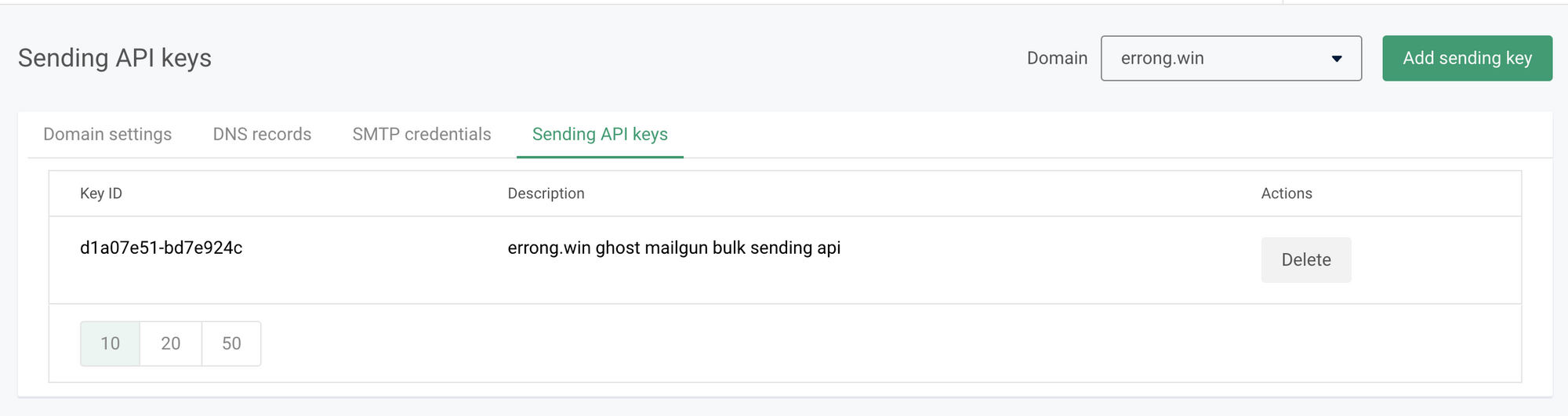
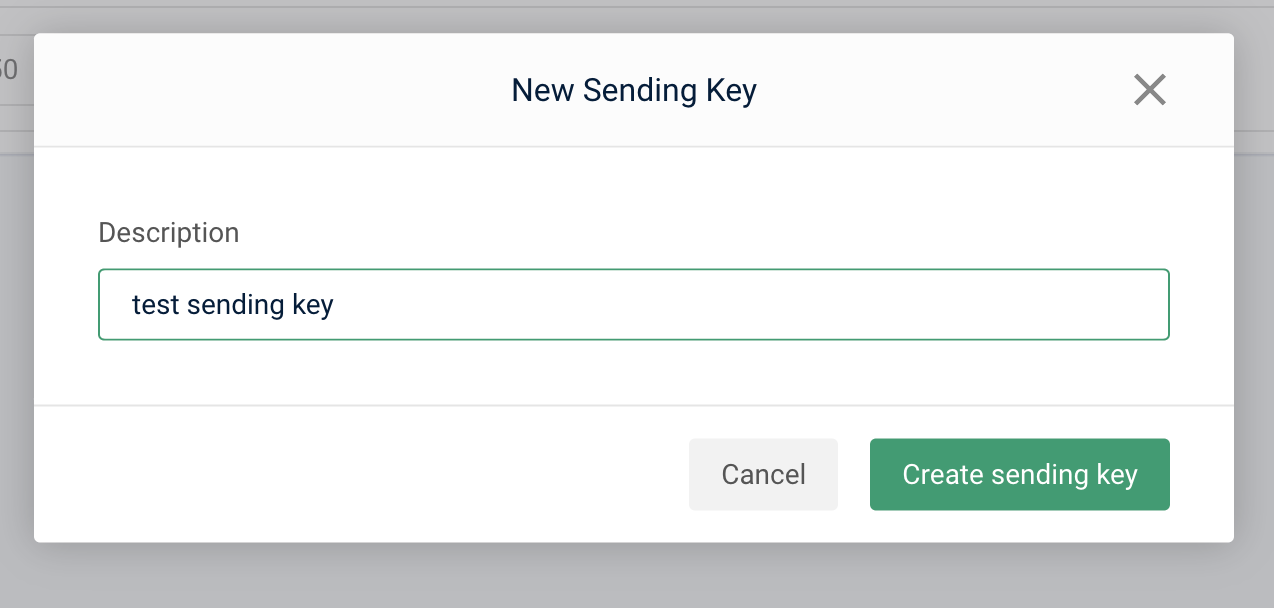
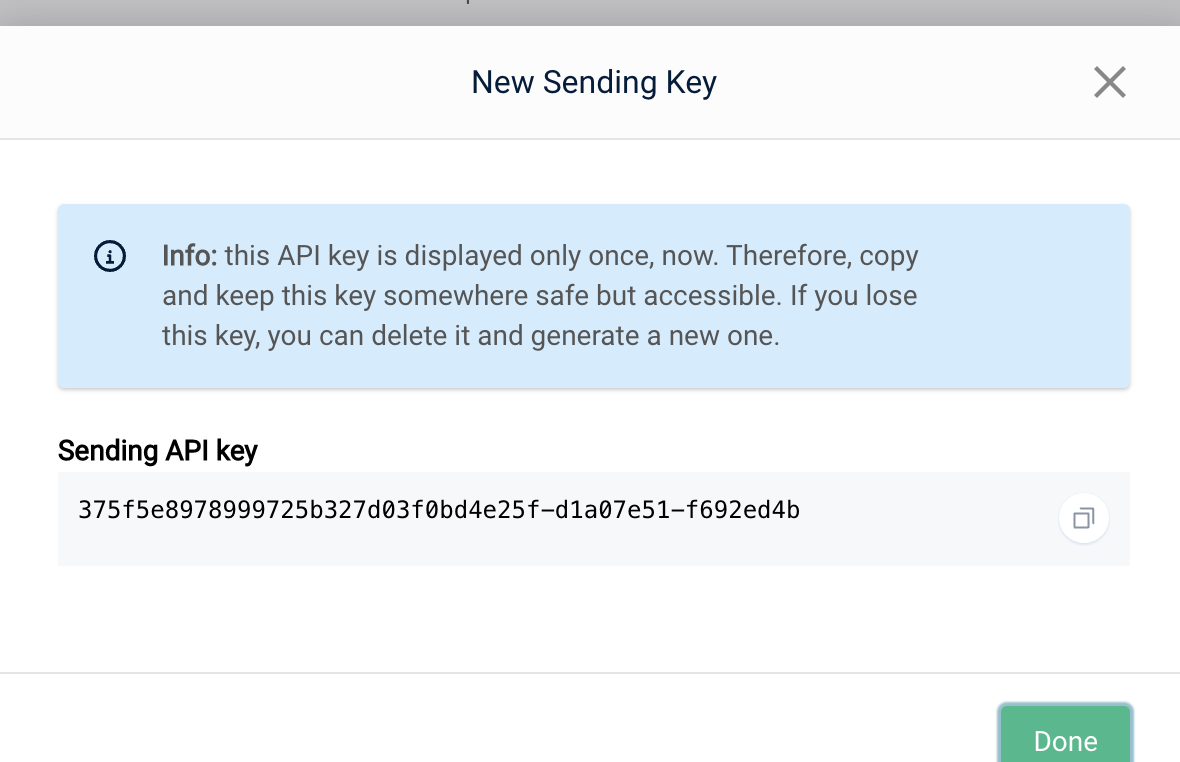
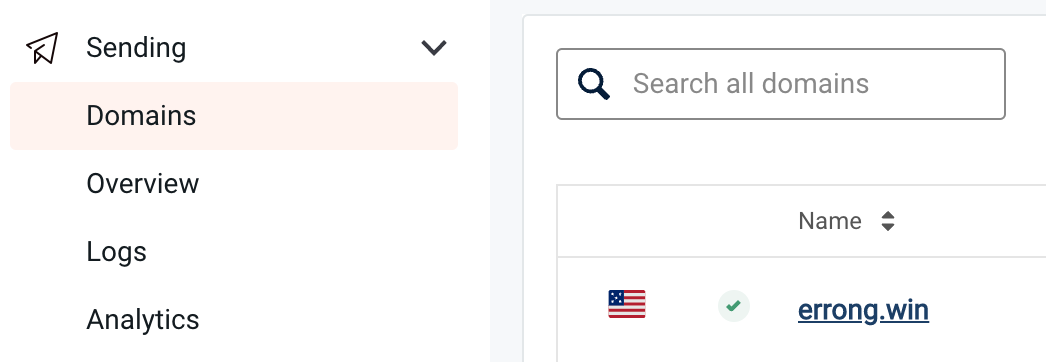
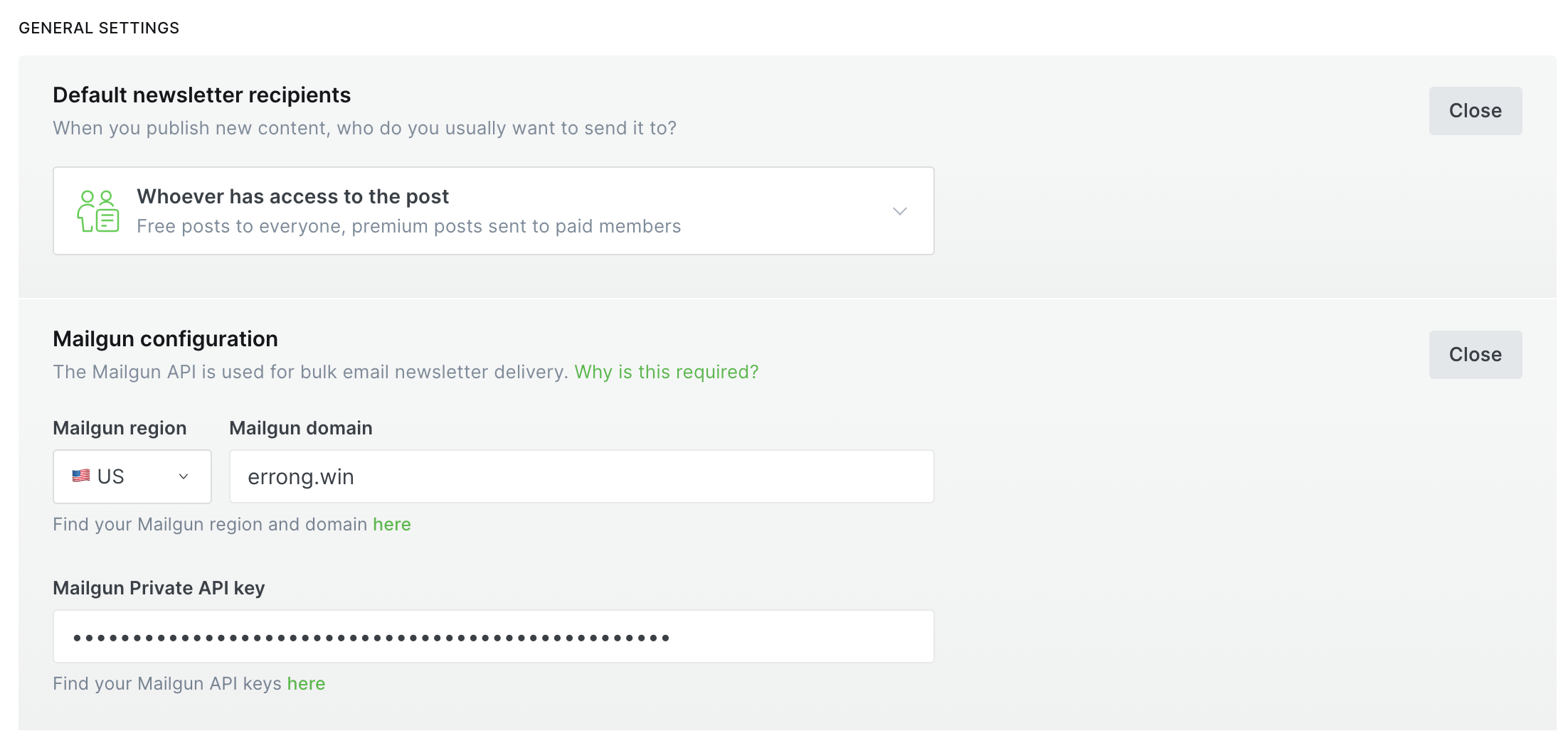
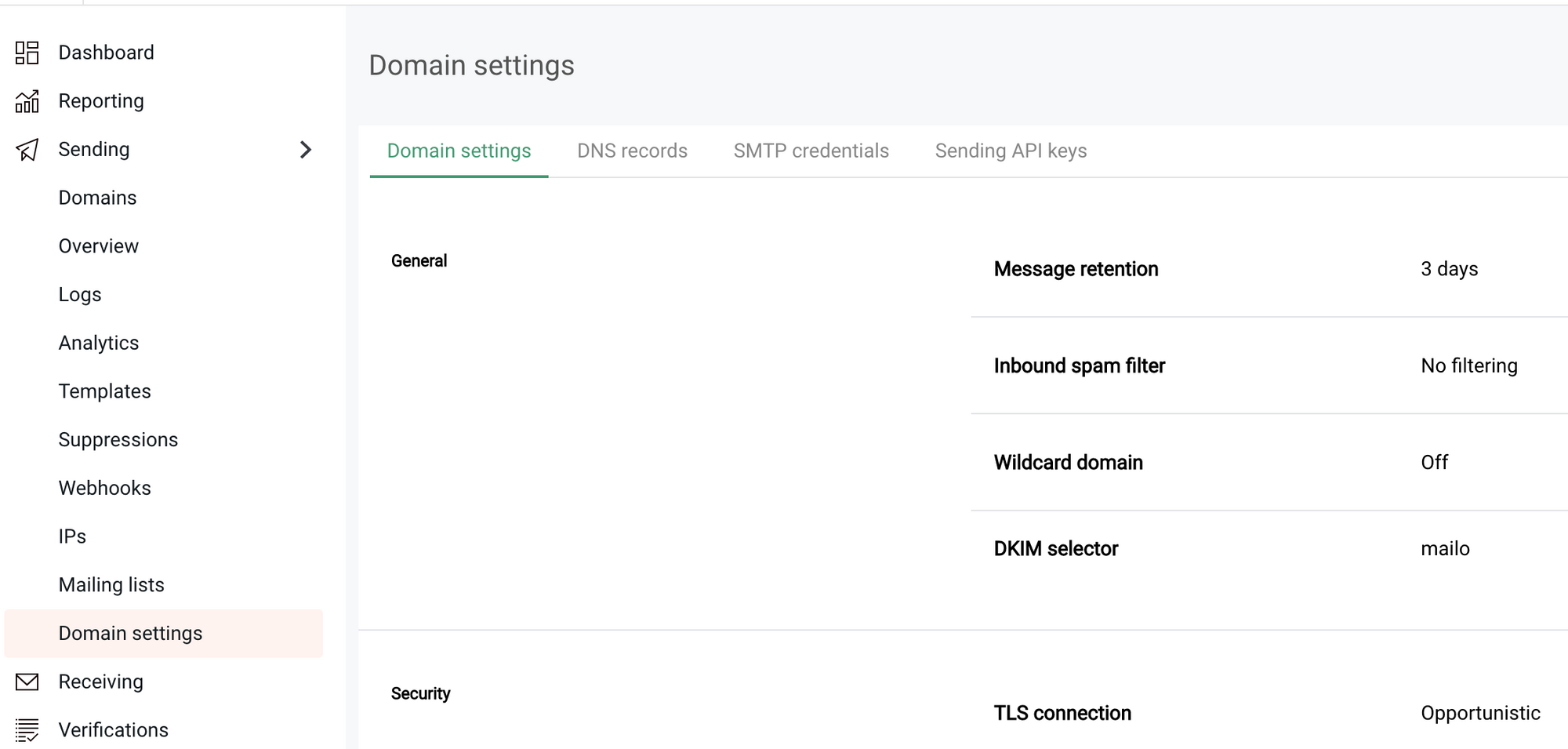
This is a step by step blog to guide you how to set up Mailgun sending API keys for your domain and set it up in your self hosted Ghost blog. Setup Sending API key in Mailgun login into your Mailgun account, go through the menu steps: Dashboard -> Sending -> Domain settings -> Sending API keys Click 'Add sending key' Input a simple description and click 'Create sending key' Copy the Sending API key into clipboard Ghost Email Newsletter Setting Copy the API key you just created and paste
| |
❤️ Support This Blog
If this post helped you, you can support my writing with a small donation. Thank you for reading.
- Get link
- X
- Other Apps
Popular Posts
2023, New Start! New AdSense Account! New Earnings!
By
Errong Leng
-
It's been a while after I created adsense account to display ads on this blog. A few years later the payment finally reached my payout threshold, I just found the existed adsense account is bind to China. but I moved to Canada 3 years ago. I tried to change the country of it, but just found Unfortunately it's not possible to change the country of your payment address in AdSense. If you've moved to a new country or territory, you'll need to cancel your existing AdSense account and create a new AdSense account . So I created a new adsense account today on 2023-01-12. Though new account is still under reviewing, I believe it will be approved soon. To reach out payout threshold in this year, I set up the below plan: write one blog per week day!!! write one blog per week day!!! write one blog per week day!!! Try ingress more traffic to this blog
A New Collection of Thoughtful Learning Apps — Now Available on iOS & Android
By
Errong Leng
-
I’m excited to share a set of mobile apps I’ve recently completed and published on both the Google Play Store and the Apple App Store. These apps are designed with a simple goal in mind: to make meaningful, structured content more accessible, whether you’re studying theology or improving your English vocabulary. 📱 Now Available on Both Platforms All apps are live and available for download: Google Play Developer Page: https://play.google.com/store/apps/dev?id=5835943159853189043 Apple App Store Developer Page: https://apps.apple.com/ca/developer/q-z-l-corp/id1888794100 📖 Theology & Confession Study Apps For those interested in Reformed theology and classical Christian teachings, I’ve developed a series of apps that present foundational texts in a clean, focused reading format: The Belgic Confession Canons of Dort Heidelberg Catechism Westminster Shorter Catechism Each app is designed to provide a distraction-free experience, making it easier to read, reflect, and revisit these im...
Swagger annotations for API that allows downloading files as zip
By
三好Daddy
-
I have built out an API that allows you downloading log files as zip in a sprint boot app. The app also integrated with Swagger 3, so I also want this API can be hit in the Swagger UI. In this post, I will demonstrate how to use @ApiOperation annotation to tell Swagger UI download the response as a zip file. use @ApiOperation for your method The key is set media type to "application/octet-stream" which can be recognized by Swagger UI. By doing so, you are set "accept":" application/octet-stream " in the request header. Put below annotation section on top of your API's controller method. @Operation( summary = "", description = "", method="GET", responses = { @ApiResponse(responseCode = "200", description = "", content = { @Content( mediaType = "application/octet-stream" ...


Comments
Post a Comment